Is Your Google Business Profile Losing Emergency Calls?
Emergency home service calls move fast. Learn how to fix your Google Business Profile hours, services, categories, service areas, and contact information so more homeowners can find and reach your company when they need urgent help.

Peyton Roop
Founder, Promotive Marketing
Published
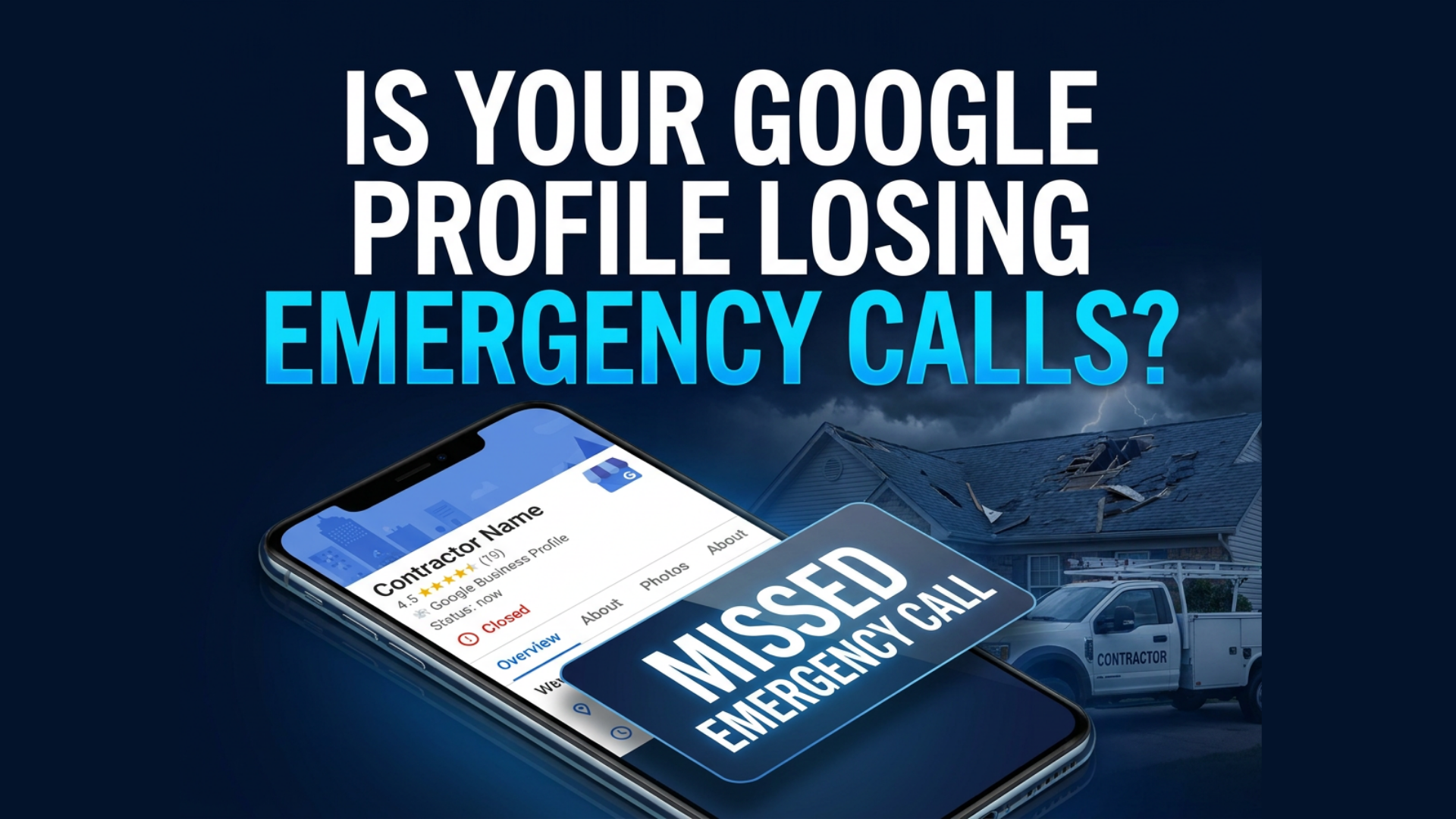
Is Your Google Business Profile Losing Emergency Calls?
A storm moves through your area, and a homeowner notices water coming through the ceiling. They search Google for an emergency roofing contractor and see several companies ready to help.
Your company serves their neighborhood and handles emergency repairs. But your Google Business Profile says you are closed, does not list emergency services, or sends the call to an unanswered voicemail.
That homeowner will probably call someone else.
You may never know they searched for you or that the opportunity existed. Google says businesses with complete and accurate information are more likely to appear in relevant local results, making your profile an important part of capturing urgent searches.
Here is how to fix the most common issues before the next emergency call comes in.
Why Emergency Searches Move Faster
Someone planning a roof replacement may compare companies for several weeks. Someone dealing with an active leak, fallen branch, or storm-damaged roof wants help now.
They need your Google Business Profile to answer three questions quickly:
- Do you handle this problem?
- Do you serve my location?
- Can I reach someone right now?
If the answers are unclear, the homeowner can return to the search results and choose another contractor within seconds.
1. Make Sure Your Hours Reflect Real Availability
Your hours appear directly on Google Search and Maps. If someone searches after a storm and your profile says “Closed,” they may assume you do not offer emergency service.
Review your hours and make sure they reflect when customers can genuinely reach your company. Google allows businesses to update their normal hours and add special hours when schedules change.
Only list your business as open 24 hours when someone is truly available to answer and respond. Sending every overnight call to a voicemail that is not checked until morning does not create a good customer experience.
2. Test the Phone Number on Your Profile
Your primary phone number should connect emergency callers to the right person or response system. Do not assume the number works correctly just because it appears on the profile.
Call the listing from a phone that is not connected to your business and test the complete experience. Confirm:
- The correct number rings
- The right person receives the call
- Voicemail instructions are clear
- Missed calls trigger a response
- After-hours calls reach someone responsible
An emergency customer should not have to call several numbers or search through your website to reach you.
3. Add the Emergency Services You Actually Provide
Your profile should clearly list the urgent services your team can perform. Google allows eligible businesses to add and manage services within their profiles.
Depending on your company, those services may include:
- Emergency roof repair
- Roof leak repair
- Emergency roof tarping
- Wind-damage repair
- Storm-damage inspections
- Fallen tree damage
- Emergency siding repair
- Temporary weatherproofing
Only add services you genuinely offer. The goal is to help Google and the homeowner understand what you do, not fill the profile with unrelated keywords.
Keep each description brief and practical. For example:
Emergency Roof Repair: Fast response for active leaks, missing shingles, wind damage, and other urgent roofing problems. Our team will assess the damage and recommend the next step to help prevent further water intrusion.
“Your profile should make it clear that you handle the emergency, serve the area, and can respond. If homeowners have to guess, they will usually call the next contractor.”
Peyton Roop
Owner of Promotive Marketing
4. Correct Your Categories and Service Areas
Your primary category should represent the main service your company provides. A roofing company should use the most specific roofing category available rather than depending only on a broad construction category.
Google recommends choosing the fewest categories necessary to describe the core business accurately. It also requires service areas to be precise and representative of where the company actually works.
Review your listed cities and remove areas your team cannot realistically serve. Your planned project area may also be larger than your emergency response area.
For example, you may install roofs 90 minutes away but only offer urgent tarping within 30 or 45 minutes. Set realistic expectations instead of claiming an area your team cannot respond to quickly.
“Your profile should make it clear that you handle the emergency, serve the area, and can respond. If homeowners have to guess, they will usually call the next contractor.”
Peyton Roop, Founder of Promotive Marketing
5. Add Real Proof That You Handle Emergency Work
Appearing in the results does not guarantee the call. Homeowners still need to trust that your company is experienced, legitimate, and responsive.
Add recent photos showing:
- Emergency tarping
- Leak repairs
- Storm inspections
- Damaged roofing or siding
- Branded trucks
- Crews working safely
- Completed repairs
You should also request reviews from customers you helped during urgent situations. Google recommends keeping profiles current with photos and responding to reviews because these elements help customers understand and evaluate the business.
Use real project photos whenever possible. A homeowner dealing with an emergency wants evidence that your company has handled similar problems before.
6. Send Visitors to a Dedicated Emergency Page
Your Google profile should connect homeowners to a page that addresses their immediate problem. A generic homepage may force them to search for information while water is actively entering their home.
A focused emergency service page should include:
- Emergencies you handle
- Areas you can respond to
- Your phone number
- A short request form
- Expected response times
- Immediate safety guidance
- Real project photos
- Relevant reviews
Keep the form simple. Ask for the homeowner’s name, phone number, address, type of damage, and optional photos.
The goal is to make contacting you as easy as possible.
Your Emergency Google Profile Checklist
Before the next storm, confirm that:
- Your profile is claimed and verified
- Your hours reflect real availability
- Your phone number works
- Emergency services are listed
- Your primary category is accurate
- Service areas are realistic
- Recent project photos are uploaded
- Reviews are being requested and answered
- Your emergency service page is live
Google’s Profile Strength tool can also help verified businesses identify missing information such as hours, contact details, descriptions, photos, and other profile content.
Fixing the Profile Reveals the Next Problem
Correcting your Google Business Profile can help more homeowners find and contact you. But visibility alone does not guarantee you will win the job.
What happens when the call comes in while you are on a roof? Who responds after hours? How quickly does someone follow up when the first call is missed?
That is the next problem many contractors uncover.
A properly optimized profile can create the opportunity, but your follow-up system still has to capture it. Missed-call text back, immediate internal notifications, CRM tracking, and a clear on-call process help prevent emergency inquiries from disappearing after the phone rings.
Promotive helps roofing and exterior contractors strengthen both sides of the system: getting found through Google and making sure the opportunities are properly handled afterward. That approach connects visibility with pipeline instead of treating marketing and follow-up as separate problems.
See What Your Google Profile May Be Missing
Your Google Business Profile should make it immediately clear that you handle the problem, serve the location, and are ready to respond.
Promotive can review your profile, identify what may be limiting emergency visibility, and show you where potential calls could be slipping through the cracks.
Free Tools
Written By
Peyton Roop
Founder, Promotive Marketing
Want This Running
In Your Business?
One call, a straight read on what is slowing growth down, and a plan you can act on whether you hire us or not.


Fence and deck marketing agency. Websites, local SEO, Google Ads, and lead follow up for fence companies and deck builders, plus roofing, exterior, and home service contractors. Built by people who have run a contracting business.
Bloomington and Peru, Illinois
Serving contractors nationwide
Monday to Friday, 8 to 5 CST
© 2026 Promotive Marketing LLC. Fence and deck marketing agency. All rights reserved.